Quick Options
Quick Options
A strip at the bottom of the main window holding the settings you change most, so you can toggle them right there without opening Settings.
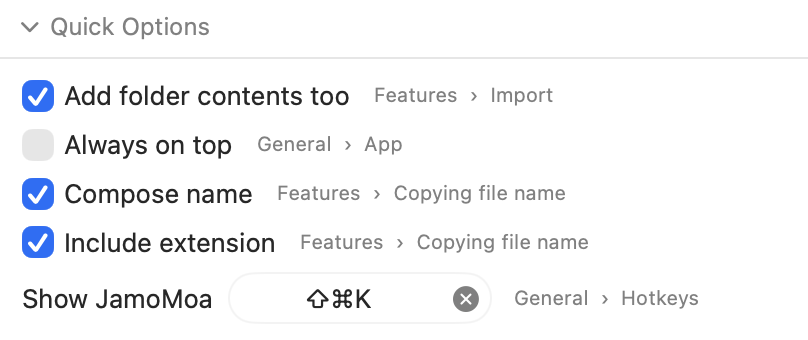
You decide which options appear and in what order under Settings ▸ Quick Options — click an item on the left to add it to the bar, and drag the right-hand list to reorder. You can also collapse the strip with the arrow at its head.
📷 스크린샷
The Settings ▸ Quick Options tab — available options on the left, the ones shown in the bar on the right in order, drag to reorderquick-options-settings.en.png1440 x 1040 (2x)
Some items are conditional — Show conversion result notifications, for instance, is only offered while the master switch in Settings ▸ Notifications is on, and leaves the bar when the master goes off.